
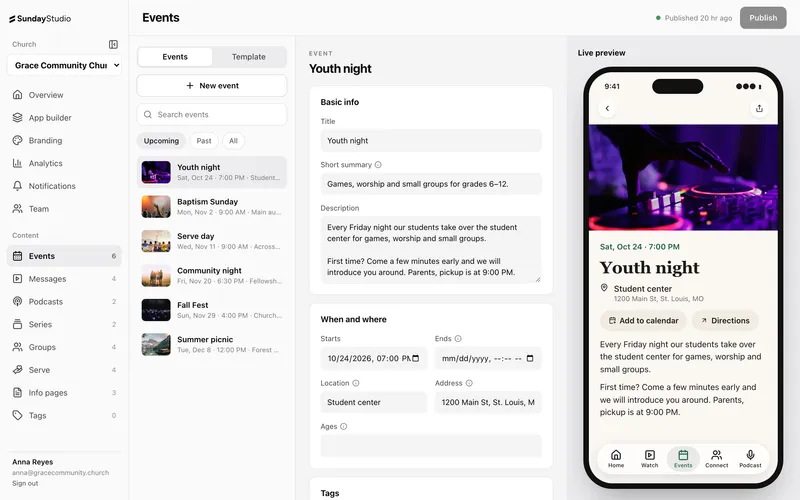
Most church teams already keep their calendar, groups and teams in Planning Center. The last thing they need is a second place to type it all in again.
When you connect Planning Center to Sunday Studio, that information comes into your app on its own. You keep editing in Planning Center like you always do.
What comes across
- Calendar events. Your public events, as far ahead as you choose, with their details.
- Church Center groups. Your groups and group types, ready for people to browse and join.
- Services teams. Only the teams you pick, so people see the places they can serve.
- Your tags. Tags come across too, so filters in the app just work.
What stays in your hands
Syncing doesn't mean losing control. If you hide an item in Sunday Studio, or schedule when it appears, the next sync leaves your choice alone. You decide what the app shows. Planning Center just keeps the details current.
Why it matters on Sunday
An events section on your home screen that's fed by Planning Center is always up to date. Add the fall retreat to your calendar on Tuesday and it's in the app without anyone touching the dashboard. Finished events leave on their own.
Getting set up
We switch integrations on for you during setup. If you're already a Sunday Studio church and want Planning Center connected, get in touch and we'll take care of it.