
From hello to the App Store, in four steps.
You bring the mission and the content. The dashboard makes building simple, and our team handles the technical parts of launch.
Step 01 · Discover
Start from a sample app.
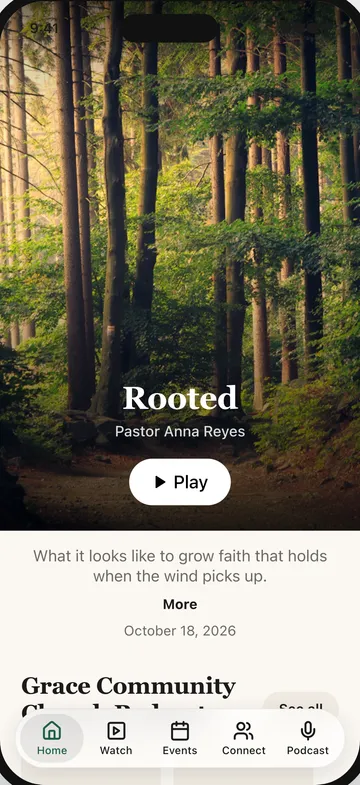
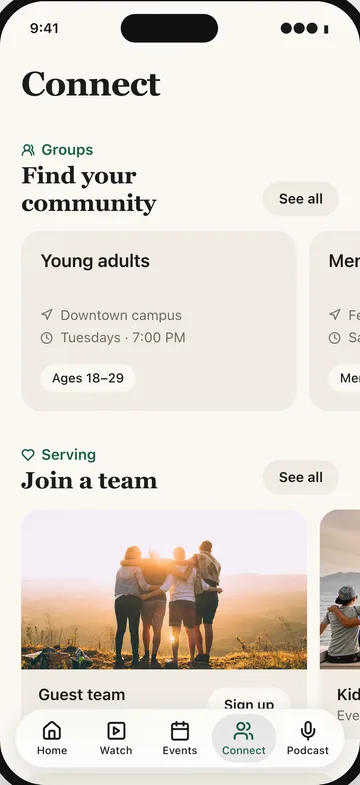
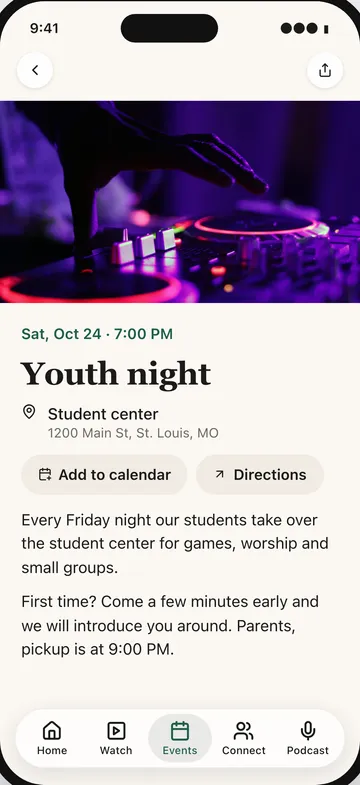
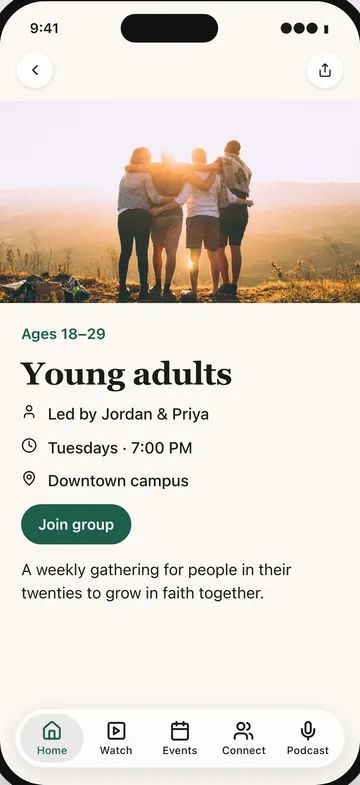
Sign up and you get a working app right away, with a home screen, sermons, events and ways to connect.
Click around the live preview, see what each section does and decide what your people need most.
Step 02 · Design
Make it yours.
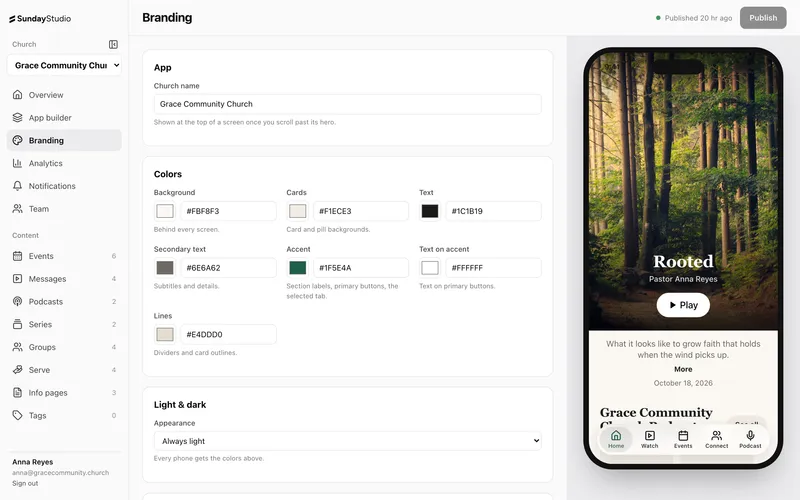
Set your name, colors and type, then arrange your tabs and sections with drag and drop.
Branding changes show up on the phone preview as you make them, so there's no guessing.
Step 03 · Fill
Add your content.
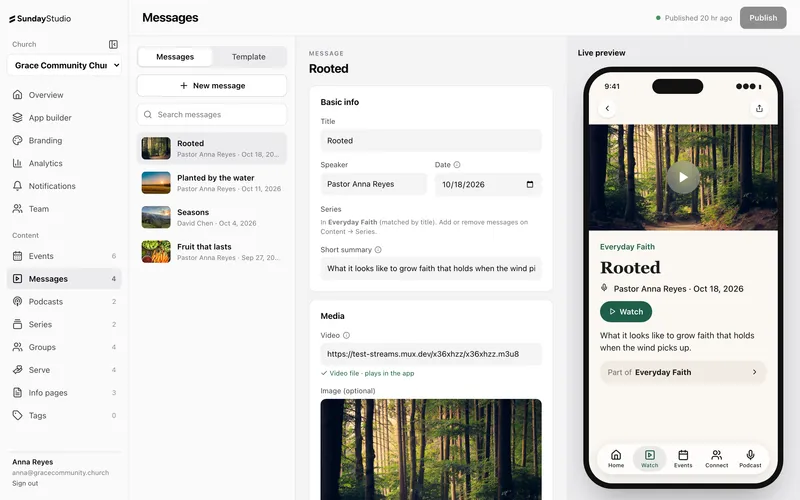
Add messages, events, groups and serve teams, or connect Planning Center and let them come in on their own.
Sections fill themselves from your content, so your home screen stays current without extra work.
Step 04 · Launch
We submit it for you.
We build your app with your icon and submit it to the App Store. After that, you publish updates any time.
Content and layout changes go straight to phones. No waiting on another review.
Keep it fresh in minutes a week.
Most weeks, keeping your app current means adding Sunday's message and an event or two. The rest takes care of itself.
Publish any time
Changes reach every phone when you press Publish.
Sections fill themselves
Point a section at your messages or events and it updates on its own.
Planning Center sync
Connect it and events, groups and teams come in automatically.
Schedule ahead
Set items to appear and disappear on their own, and schedule notifications.
Bring your team
Invite staff and volunteers as editors, admins or owners.
See what's working
Anonymous analytics show what people open, watch and tap.